
Reviews
How to Collect Reviews From a Product Pack
Asking for a review at the moment someone's unboxing the product beats a follow-up email three weeks later. Here's what that looks like on a page behind a QR code or NFC tag, and why timing matters more than the ask.
By Ali Murtaza ·
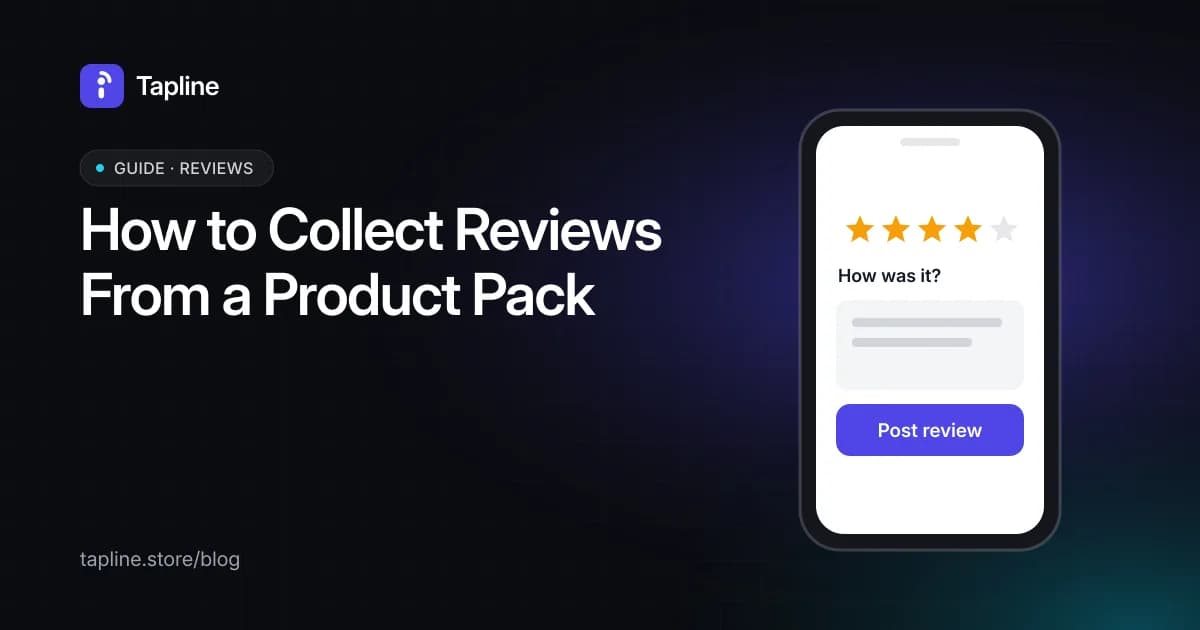
The highest-converting moment to ask for a review isn't three weeks after a purchase, in an email most people never open — it's the moment the product is in someone's hands, right after they scan or tap the pack. A review prompt built into that page gets seen by people who are already interacting with the product, not people trying to remember what they bought a month ago.
Why in-hand timing works
- The shopper already has the product in front of them — no need to recall details or dig up an order confirmation.
- Impressions are fresher: a first reaction captured on the spot differs from a reconstructed memory weeks later.
- It doesn't compete with inbox clutter — the prompt lives on the page they already reached, not in another unread email.
What the page needs to make it easy
A short prompt, not a form. Asking for a star rating and a line of text takes seconds; a multi-field review form on a phone screen loses people halfway through. The same page can also register the purchase for warranty purposes in the same interaction, since the shopper is already there.
Reviews and registration both live on the page itself — see what else is included on the benefits page.
Pair the review prompt with a buy-again link on the same page — see how to add a reorder button to product packaging.