
Packaging
Free Template: What to Put Behind Your Packaging QR Code
A free, copyable template for the page behind a packaging QR code or NFC tag, with block-by-block layouts for cosmetics, apparel, wine and spirits, and supplements, plus a pre-print checklist.
By Ali Murtaza ·
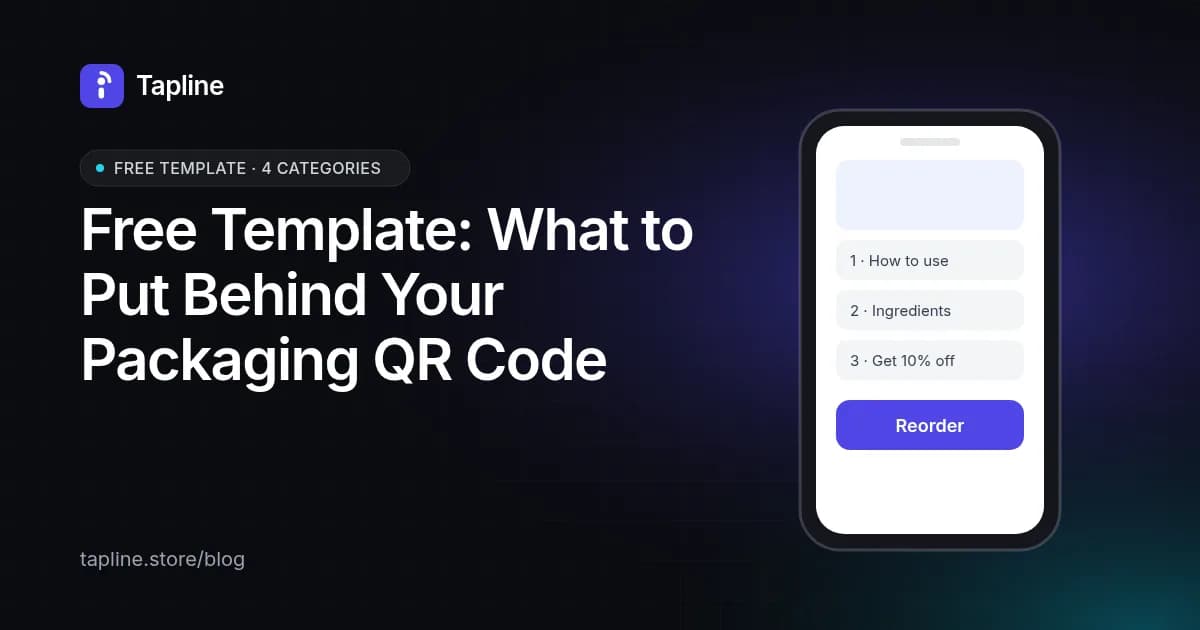
Most packaging QR codes open a homepage, and a homepage is the wrong answer to the question a shopper has with the product in their hand. This template gives you the page to build instead: five blocks in a fixed order, adapted for four product categories. Copy it, fill it in for one product, and test it before your next print run. You can use it with any QR or NFC tool, not just Tapline.
The rule behind the template
Someone who scans a pack already owns the product, or is holding it in a shop. The first two blocks must answer what the label couldn't fit: how to use it, what's in it, whether it's genuine. Only after that has the page earned the right to ask for something: an email, a review, the next order. Pages that open with a discount pop-up lose people who scanned for instructions.
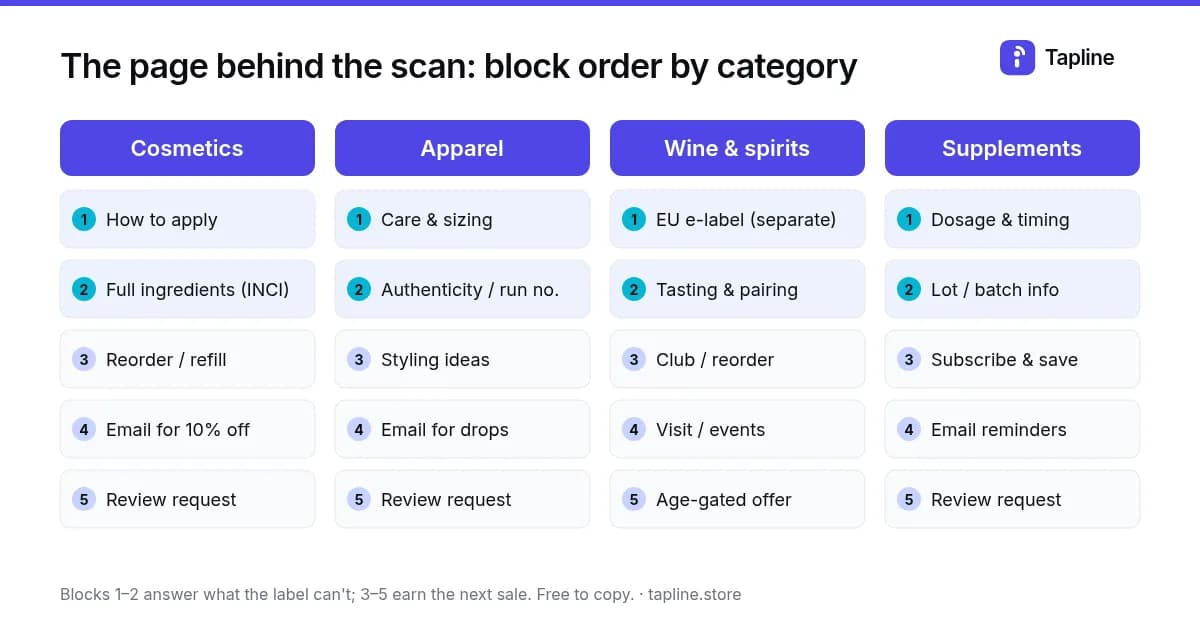
The five-block template
| Block | Purpose | Fill in | Keep it to |
|---|---|---|---|
| 1. Answer | The reason most people scan | How to use, apply, wear or serve it | 3-5 short steps or a 30-second video |
| 2. Trust | What the label can't fit | Full ingredients, materials, batch or lot, authenticity | One scrollable section |
| 3. Next purchase | Turn the scan into an order | Reorder, refill, subscribe or club link with the exact product preselected | One button |
| 4. Relationship | Earn first-party contact | Email or SMS signup with a clear reason (discount, refill reminder, drop alert) | One field, one sentence |
| 5. Proof | Feed future buyers | Review request, warranty or product registration | One tap to start |
Cosmetics and skincare
- Answer: how much to use, when, and what to pair it with. A short video beats a paragraph.
- Trust: the full INCI ingredient list, allergens and the batch number, in a readable font size.
- Next purchase: a refill or reorder button for this exact size and shade.
- Relationship: offer a refill reminder timed to how long the product lasts.
- Proof: ask for a review after about two weeks of use, not on the first scan.
Apparel and limited runs
- Answer: care instructions and a size guide for this cut.
- Trust: the run number and an authenticity check, which matters most for limited drops and resale.
- Next purchase: matching pieces or the same item in another colour.
- Relationship: early access to the next drop in exchange for an email.
- Proof: a review or a photo of the piece being worn.
For the authenticity block, see proof of authenticity for apparel and limited runs.
Wine and spirits
- Answer: the EU e-label (ingredients and nutrition) kept on its own page, with no marketing content mixed in.
- Trust: vintage, region and production notes.
- Next purchase: club signup or a reorder link, behind an age confirmation where the law requires one.
- Relationship: tasting-room visits and event invitations.
- Proof: a rating, plus serving and pairing ideas that people share.
The compliance side is covered in EU e-label rules for wine and spirits.
Supplements and OTC products
- Answer: dosage, timing and what not to combine it with, in plain language and the languages you sell in.
- Trust: lot number, expiry and third-party testing information.
- Next purchase: subscribe-and-save timed to the pack size.
- Relationship: dose or refill reminders.
- Proof: a review request after a full course.
More on the first block in dosage instructions by QR code.
Pre-print checklist
- The code is dynamic, so the page can change after printing without a reprint.
- The page loads in under three seconds on mobile data and needs no app or login.
- Blocks 1 and 2 are visible without scrolling past an offer.
- The reorder button opens the exact product and variant, not the store homepage.
- There's a short call to action printed next to the code, such as "Scan for how to use + refills".
- Size, quiet zone and contrast have been checked on a printed proof, using more than one phone.
Print specs are in QR codes on packaging: size, placement and print specs.
Using this template
You're welcome to copy, adapt or share this template, including in your own guides. A link back to this page is appreciated. If you'd rather not build the page by hand, Tapline drafts it from your product details and gives you a free QR code on every plan. The reorder button is on Growth and Scale.
Compare plans on the pricing page.