
Packaging
How to Put a QR Code on Product Packaging: Size, Placement & Print Specs
Minimum size, quiet zone, contrast, placement and testing for a QR code on packaging — plus what the scan should open so it turns into a reorder, an email or a review.
By Ali Murtaza ·
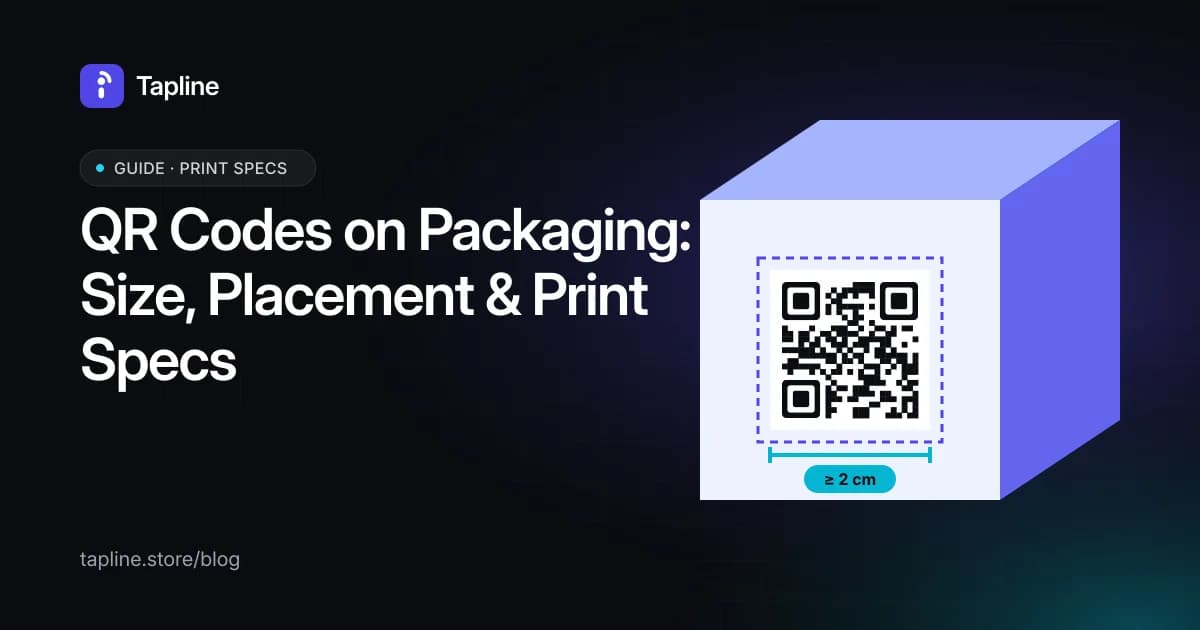
Most QR codes on packaging fail in one of two ways: the code doesn't scan reliably, or it scans and opens a homepage that gives the shopper nothing to do. This guide covers the first problem in detail — the print specs that make a code scan first time — and points to the guides that cover the page behind it.
Use a dynamic code, always
A static QR code has its destination baked into the pattern. If a product URL changes, a store moves or a variant is discontinued, every printed pack points at a dead link, and packaging stays in circulation for months. A dynamic code points at a stable short link that can be redirected later. On Tapline the printed code never changes; the page behind it can be edited at any time after the pack ships.
Print specs that scan first time
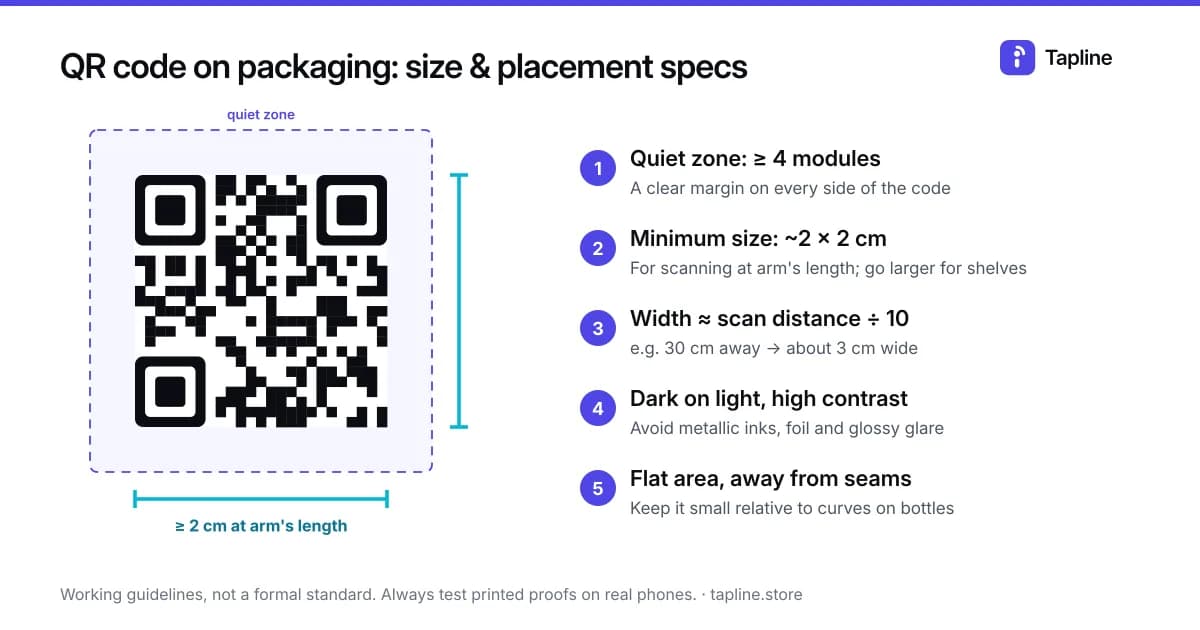
These are widely used working guidelines rather than a formal standard. Always proof on real phones before a print run.
| Spec | Guideline |
|---|---|
| Minimum size | Around 2 × 2 cm for scanning at arm's length; larger for shelf or display distance (a common rule of thumb is code width ≈ one tenth of the scan distance) |
| Quiet zone | A clear margin of at least four modules — the small squares — on every side |
| Contrast | Dark code on a light background; avoid light-on-dark, metallic inks and low-contrast brand colours |
| URL length | Shorter links produce simpler codes that stay readable at small sizes |
| Error correction | Level M or Q is a sensible default; use H only if a logo sits over the code |
| Finish | Gloss and foil cause glare — test under shop lighting |
Where to place it on the pack
- Where the hand is when the product is in use: the back label of a serum, the neck of a bottle, the inside of a box lid.
- Next to a reason to scan — "Scan to reorder in one tap" beats a bare code every time.
- Not on a seam, fold, crimp or tight curve; on round bottles, keep the code small relative to the curve or use a flat label area.
- On wine and spirits, plan space for two codes: the EU e-label code next to the legal text, and a separate marketing code.
What belongs behind a code on a bottle sold in the EU is covered in EU e-label rules for wine and spirits.
Write the call to action
The words beside the code do most of the work. Patterns that work: "Running low? Scan to reorder.", "Scan for how to use it.", "Register your purchase for warranty.", "Tell us what you think — scan to leave a review." Keep it to one line and make the benefit specific.
Decide what the scan should do
A shopper holding the product has already bought it, so the page should serve that moment: a buy-again link, answers the label can't fit, an email signup worth giving, and a review or registration prompt. Pick one primary action and keep the rest secondary.
Setting up the buy-again link is covered step by step in how to add a reorder button to product packaging.
And the review prompt in how to collect reviews from a product pack.
On Tapline, the QR code and a product page are free on every plan. The reorder button is included on Growth (with a store link you set) and on Scale (with Shopify sync, coming soon); it isn't part of the Free plan.
See exactly what each plan includes on the pricing page.
Test before the print run
Print a proof at actual size on the actual stock. Scan it with an older Android phone and a recent iPhone, in bright and dim light, from 15 to 40 cm away. Then scan the first production sample again before the full run.
QR code or NFC tag?
A QR code costs nothing to print and works with any phone camera; an NFC tag adds a tap for a per-unit cost. Most brands start with QR and add NFC to premium lines later.
The full comparison is in QR code vs NFC tag for product packaging.
Measure what the pack is doing
Track scans per product, repeat scans (a sign the product is in regular use), email signups and reorder clicks. If one product gets scans but no reorders, change the page, not the packaging — that is the point of a dynamic code.