
Supplements
QR Codes on Supplement Labels: EU Rules and Refills
What EU rules require on a food supplement label, what a QR code page can add (dosage guidance, batch details, reorders) and which claims to keep off it.
By Ali Murtaza ·
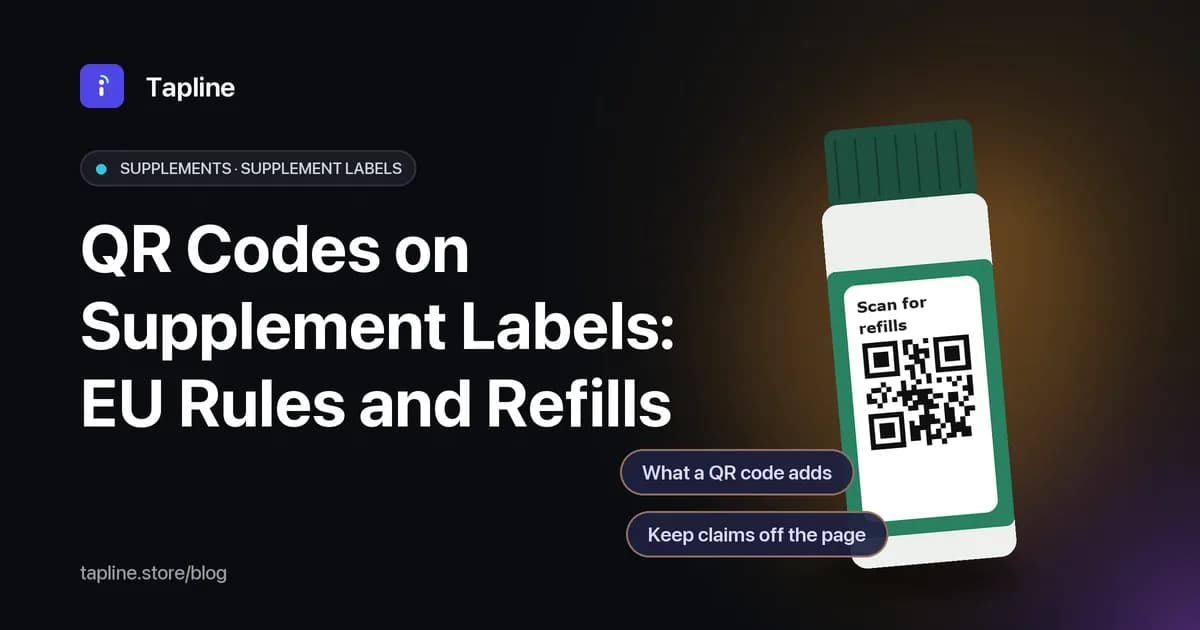
A food supplement label is one of the most crowded labels in a shop. The name, the daily dose, the nutrient amounts, the warnings, the allergens and the business address all have to fit on a tub or a blister carton, often in several languages. A QR code will not shrink that list, but it gives the brand somewhere to put everything the label cannot hold: how to take the product, what each ingredient is, which batch is in the shopper's hand, and a quick way to buy the next pack. This guide covers what EU rules say must stay on the printed label, what a QR page is good for, and the claims to keep off that page. It is general information, not legal advice.
What must stay on the printed label
Food supplements are foods, so the general food labelling rules of Regulation (EU) No 1169/2011 (the Food Information to Consumers Regulation, or FIC) apply, and Directive 2002/46/EC adds rules of its own. Article 12(2) of the FIC says that for prepacked food the mandatory food information must appear directly on the package or on a label attached to it. A QR code can add to that information. It cannot replace it.
On top of the usual FIC particulars, such as the ingredients list, allergens, net quantity, date of minimum durability and the food business operator's name and address, Article 6 of Directive 2002/46/EC sets these out:
- The name under which the product is sold is 'food supplement' (Article 6(1)).
- The names of the categories of nutrients or substances that characterise the product, or an indication of their nature (Article 6(3)(a)).
- The portion recommended for daily consumption (Article 6(3)(b)).
- A warning not to exceed the stated recommended daily dose (Article 6(3)(c)).
- A statement that food supplements should not be used as a substitute for a varied diet (Article 6(3)(d)).
- A statement that the product should be stored out of the reach of young children (Article 6(3)(e)).
Article 8 adds the numbers. The amount of each nutrient or substance with a nutritional or physiological effect must be declared on the labelling in numerical form (Article 8(1)), per portion of the product as recommended for daily consumption (Article 8(2)). Vitamins and minerals must also be given as a percentage of the reference values (Article 8(3)). Article 10 lets each Member State require the business placing the product on its market to notify the competent authority by sending a model of the label, so check the rules in every country you sell in.
What a QR code adds
Once the mandatory text is on the pack, a QR code opens a page you control. For supplement brands, the useful jobs tend to be these:
- How to take it: timing, with or without food, how to split a dose, and what to do if a dose is missed. This is guidance a small tub has no room for.
- Ingredient notes: where each ingredient comes from, the form of each vitamin or mineral, and which allergens the product is free of, as long as each statement is accurate and can be backed up.
- Batch information: with item-level codes, each pack or batch can carry its own code, so a scan shows which batch is in the shopper's hand.
- Languages: on the Scale plan, a Tapline page can be shown in several languages, which helps when one carton is sold in several markets. The legally required text still has to be printed in the language each market requires.
- Refills: a reorder button that sends the shopper to your own shop when the tub is nearly empty, on the Growth plan and above.
- Updates: if your advice, your stockists or your contact details change, you edit the page and every pack already on a shelf shows the new version, with no reprint.
See how the reorder button works in the Reorder from the pack demo video.
Keep claims off the page that the label can't make
The rules on claims follow the product online. Article 6(2) of Directive 2002/46/EC says the labelling, presentation and advertising must not attribute to a food supplement the property of preventing, treating or curing a human disease, or refer to such properties. Article 7 adds that they must not state or imply that a balanced and varied diet cannot provide appropriate quantities of nutrients in general.
Health claims are covered by Regulation (EC) No 1924/2006. Under Article 10(1), a health claim is prohibited unless it is authorised and included in the EU lists of authorised claims. Where an authorised health claim is made, Article 10(2) requires the labelling (or, where there is no labelling, the presentation and advertising) to include a statement on the importance of a varied and balanced diet and a healthy lifestyle, the quantity and pattern of consumption needed for the claimed effect, a statement for people who should avoid the product where appropriate, and a warning if the product is likely to be a health risk when consumed to excess. A page reached by a QR code on the pack is part of how the product is presented, so treat it like the label:
- Use only authorised health claims, word for word or with the same meaning, and with the conditions of use attached to them.
- Never name a disease the product helps with, and avoid words such as 'cures', 'heals' or 'treats'.
- Avoid 'clinically proven', 'doctor recommended' and similar phrases unless you can back them up and they are allowed for that claim.
- Do not suggest that a normal diet is not enough.
- Point shoppers with medical questions to a pharmacist or doctor.
How this works in Tapline
In Tapline, supplements sit under the pharmaceutical and supplement product type. The product information form for a food supplement asks for the business responsible, the ingredients, the recommended daily dose and the required warnings, and the page shows exactly what you enter. Tapline does not check that text against the regulations, so the wording is yours to get right.
- One product page behind a dynamic QR code, which you can edit at any time without reprinting.
- Item-level codes with serial numbers, batches, GTIN and GS1 Digital Link, with QR downloads as SVG, PNG or ZIP for your printer.
- Scan counts for each code, so you can see which products and batches get scanned.
- Email sign-ups collected on the page and stored in Tapline, for shoppers who want to hear about a new batch or a change in advice.
- A reorder button to your own shop on Growth and above, and multi-language pages on Scale.
See the layout for cartons and tubs on the pharma and supplements use case page.
Compare what each plan includes on the pricing page.
Practical printing tips
- Put the code where the shopper looks when the pack is nearly empty: the lid, the back label or the inside flap of a carton.
- Leave a quiet zone of clear space around the code and test a proof on the real material. Curved tubs and glossy foils can make scanning harder.
- Add a short line next to the code that says what it opens, such as 'How to take it and reorder'.
More on code size and quiet zones in QR codes on product packaging.
For medicine cartons and leaflets, see Dosage instructions by QR code.
FAQs
Can a QR code replace the mandatory information on a supplement label? No. Article 12(2) of Regulation (EU) No 1169/2011 requires the mandatory food information for prepacked food to be on the package or on a label attached to it. The QR page can add detail, not replace it.
Do the claims rules apply to the page behind the QR code? Treat them as if they do. Directive 2002/46/EC covers labelling, presentation and advertising, and Regulation (EC) No 1924/2006 applies to claims in commercial communications, so keep the page to authorised health claims and away from disease claims.
Is the reorder button free? No. The reorder button is on the Growth plan and above. QR codes and a product page are available on every plan.
Does Tapline check my claims for me? No. Tapline shows what you enter. Have someone who knows the supplement rules in each of your markets review the wording before you publish.