Wine
How to Choose a Wine E-Label Generator: 10 Checks
Ten checks before you pick a wine e-label generator: official terms, languages, tracking, QR files, edits after printing, cancellation and pricing.
By Ali Murtaza ·
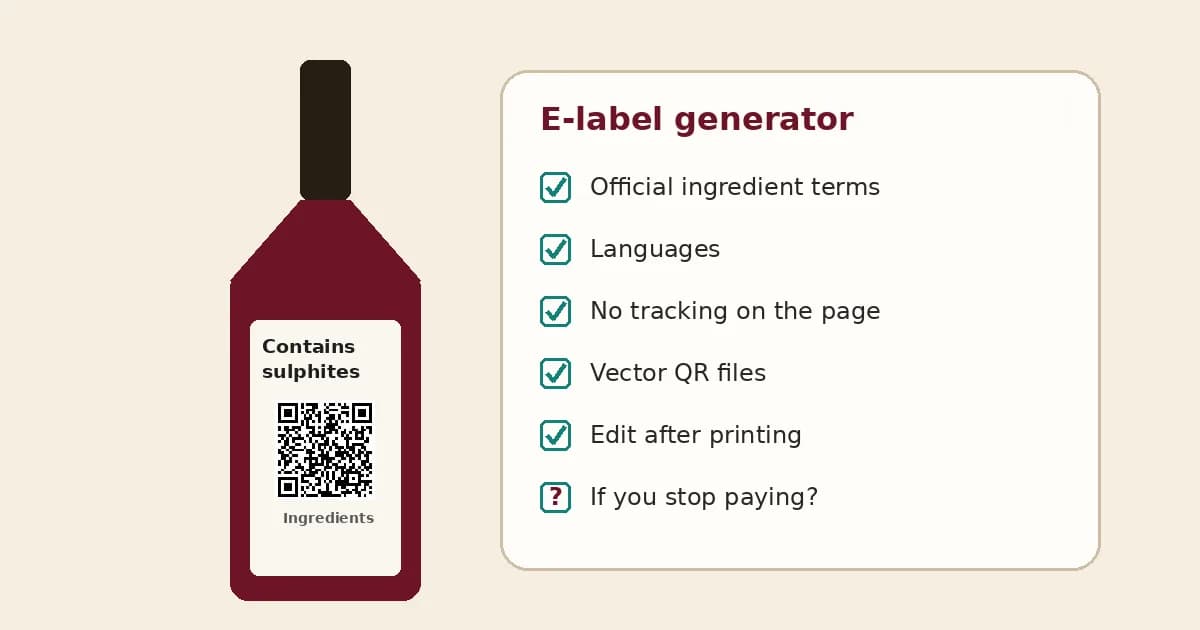
Most wineries selling into the EU now print an "Ingredients" QR code on the back label and put the full ingredients list and nutrition table on a page behind it. You can build that page yourself, but most producers use an e-label generator: a tool where you enter the wine's details, get a hosted page, and download a code for the printer. There are now plenty to choose from, and they differ in ways that only show up a year or two later, when a vintage changes, a subscription lapses or a new export market needs another language.
These are the ten checks worth running before you pick one. Plain-language guidance, not legal advice: you stay responsible for what the page says, whichever tool you use.
1. Does it cover the products you actually sell?
The EU rules from Regulation (EU) 2021/2117 apply to wine and aromatised wine products. Some tools started with wine only, others also offer templates for spirits or other foods. If you make a vermouth, a sparkling wine with tirage and expedition liqueur, or a spirit you want to label voluntarily, check the tool has fields for it rather than forcing it into a still-wine template.
2. Are the ingredient terms taken from the official lists?
Ingredients and additives must use the terms in Delegated Regulation (EU) 2023/1606 and Table 2 of Part A of Annex I to Regulation 2019/934, such as "acidity regulator: tartaric acid" or "preservative: sulphites". A good generator gives you those terms as picklists, supports the "contains … and/or …" option for acidity regulators and stabilisers, and offers the "Bottled in a protective atmosphere" phrase. Free-text boxes put the wording back on you. Our guide to writing a wine ingredients list explains each rule.
3. How does it handle the nutrition table?
The page needs the full nutrition declaration per 100 ml, and the energy value also has to be printed on the bottle. Ask whether the tool calculates energy from alcohol, sugar and other values you enter, or simply displays the number you type. Either can work, but you need to know which one you're relying on. Our wine calories guide shows the calculation, so you can check the tool's result against your lab figures.
4. Which languages, and who translated them?
Mandatory information must be in a language easily understood where the wine is sold. Look for standard terms translated from the official EU wording, not machine translation, and for one code that can open the right language version. If you export to several markets, check how many languages are included in your plan and whether custom text (a producer name, a sweetness term) can be corrected by hand.
5. Is the e-label page really neutral?
This is the check most often skipped. For wine, the e-label page must open the information straight away, must not show sales or marketing content, and must not collect or track user data. The Commission's Q&A on e-labels covers this, so read its wording on tracking and consent before you rely on any provider's answer. Ask the provider directly whether the page sets cookies, loads analytics or ad scripts, or counts scans as the code redirects. Then open a test page in your browser's developer tools and look for yourself.
6. What QR files does it give your printer?
Your label designer or printer will want vector files (SVG, PDF or EPS) rather than a small PNG, plus the option to export the code with its "Ingredients" heading. Check the minimum print size the tool recommends and leave a clear margin around the code. Our guide to placing two QR codes on a wine label covers sizes and spacing.
7. Can you edit it after printing, and whose address is in the code?
Labels outlive vintages. A dynamic code lets you correct a mistake or update a value without reprinting, as long as the printed address stays the same. Find out what address is encoded: the provider's short link, a link on your own domain, or a GS1 Digital Link that carries your product's barcode number. A code on your own domain is easier to move if you change tools later.
8. What happens if you stop paying?
Bottles stay on shelves and in cellars for years, and the e-label has to keep working for as long as the wine is on sale. Many tools keep pages online only while a subscription is active. Ask what happens to the pages and codes if you cancel, whether you can export your data, and whether the address can be redirected to a new host. If the answer is that the pages simply go offline, factor that into the price.
9. How is it priced, and what counts as one e-label?
Pricing is usually per e-label per year, sometimes with a free trial. Check whether a new vintage counts as a new e-label, because any change in what you added, or in sugar or alcohol, usually means a new page. A winery with ten wines across three vintages may need thirty pages, not ten.
10. Does it fit how labels actually get made?
If a label printer or agency prepares your artwork, check whether they can work in the tool for you, whether several people can log in, and whether you can upload many wines at once from a spreadsheet. For printers serving dozens of wineries, bulk upload and separate client accounts matter more than design options.
The main options, compared
Here are the broad routes wineries take, with what to watch for in each.
| Option | Good for | Watch for |
|---|---|---|
| Sector-endorsed tool, such as U-label by Scantrust | Wineries that want terms and translations maintained with the trade bodies (it is endorsed by CEEV and spiritsEUROPE) | At the time of writing, U-label offers a 90-day free trial, and paid plans start at €230 a year for 30 e-labels, excluding VAT. Check its current terms for how many e-labels the trial includes and what happens to your pages if you stop paying |
| Independent e-label services | Producers comparing price, design and support | Check every point above, especially tracking and what happens when you cancel |
| Your label printer's or agency's service | Wineries that want one supplier for artwork and codes | Make sure the account and codes are in your name, not only the printer's |
| A page you build yourself | Wineries with a developer and a few wines | It must be a separate neutral page with no tracking; the Commission notes a normal winery website, which sells and tracks, doesn't seem to qualify |
Where does the marketing code fit?
An e-label generator only solves the legal page. Tasting notes, food pairings, events, a club sign-up or a link to reorder can't go on it, so most wineries add a second, clearly separate code for that content. That second code is also the one where you can count scans, because tracking is allowed there and not on the e-label.
FAQs
Is there a free wine e-label generator?
Some tools offer free trials or free tiers, but check how long pages stay online. A free static QR generator can point to a page you host, but that page still has to follow every rule above.
Can I use any QR code generator for the e-label?
The code itself can come from anywhere. The page behind it is what matters. Be careful with dynamic QR services that count scans as they redirect: on the e-label code, that counting may itself be tracking.
Do I need a new e-label for every vintage?
Only if something on the page changes, but it usually does: sugar, alcohol, energy or the additives you used. Plan for one page per wine per vintage.
Does using a generator make my label compliant?
No tool can do that for you. It shows what you enter. The content, and checking it against your wine and the rules, stays with you, your lab and your compliance adviser.
Where does Tapline fit?
Tapline is the second code. Each wine gets a story page with tasting notes, a reorder button to your own shop or stockist list, and scan counts per code, all editable after printing. On the Scale plan the page can be shown in several languages for export markets. The marketing page is never the legal e-label. Tapline can also host a separate, neutral e-label page that you fill in yourself, and you are responsible for its accuracy. Tapline is built by Esipick, which has been building software for brands since 2013.
Related: what happens after the scan.
Related: EU e-label rules for wine.
Related: how to write a wine ingredients list.
Related: how to calculate wine calories for an e-label.
Related: two QR codes on one label.
Related: what scan data can tell a winery.
Related: pricing.