
Jewelry
Jewelry QR Codes and NFC Tags: Care Cards and Reorders
How jewelry brands use a QR code or NFC tag on the box or care card: care instructions, the piece's story, owner registration links and repeat orders.
By Ali Murtaza ·
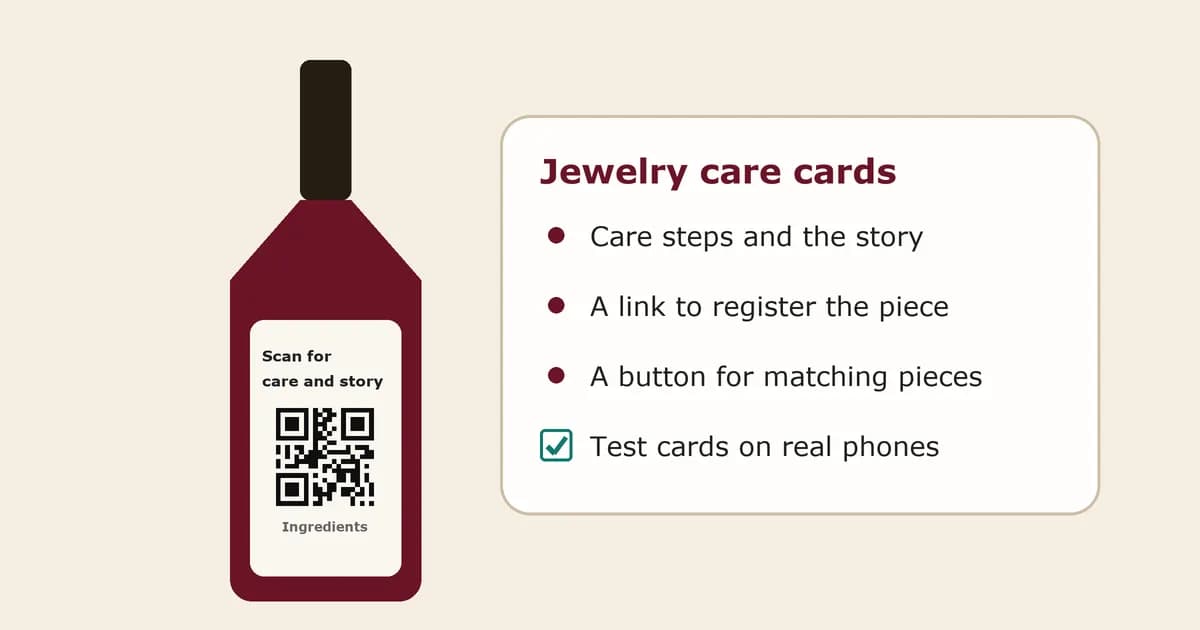
Jewelry is bought once and kept for years, which makes the box and the care card unusually valuable real estate. A small QR code or NFC tag there can carry the care guide, the story of the piece, a link to register ownership, and a gentle route back to your shop when it's time for a matching pair of earrings.
This guide covers where to put the code, what the page should say, and how to keep it honest. It's general information for brands, not legal advice.
Should jewelry use a QR code or an NFC tag?
Most independent brands should start with a QR code. It's free to print, every phone camera reads it, and it fits on a care card or inside a box lid. NFC tags feel more premium because the customer just taps, but they cost money per piece and don't work well right against metal unless you use tags made for that.
A sensible path is a QR code on every care card, then NFC tags only on your top line or gift boxes once you know people use the page. Our QR code vs NFC tag guide covers the trade-offs in more depth.
Where should the code go on jewelry packaging?
Put it on something the customer keeps: the care card, the inside of the box lid, or the pouch tag. Not on the piece itself. Shipping boxes get thrown away, while a ring box often stays on the dresser for years. Add a short line next to it, such as "Scan for care and your piece's story".
If you use NFC, place the tag in the card or box base, not next to a metal clasp, and test it with a few different phones before you order in bulk.
What should the page show when someone scans?
It should open a page for that piece or collection, not your homepage. Lead with the name and a photo so the customer knows it's theirs. Then give the story of the design, the materials, clear care steps, and one or two next steps: register your piece, and shop the matching pieces.
The layout in our packaging QR page template works well for jewelry with small changes: put care steps higher, and keep the sales link lower and quieter.
What care information should a jewelry care card include?
Cover cleaning, storage and what to avoid. For example: remove before swimming or using cleaning products, store pieces apart so they don't scratch, wipe silver with a soft cloth, and keep pearls away from perfume. If a gemstone has been treated in a way that needs special care, say so clearly and explain the care.
Under the FTC's Jewelry Guides (16 CFR 23.24), sellers should disclose gemstone treatments that aren't permanent, that create special care needs or that significantly affect value, and are encouraged to explain the care needed. For online sales, the disclosure belongs in the product description too. A QR page is a good home for the full care detail; keep the key warning on the printed card as well.
Can a QR code work as a digital certificate of authenticity?
It can carry the details you'd put on a paper certificate, such as the design, metal, stones and a piece or batch number. But a printed QR code can be copied, so on its own it doesn't prove a piece is genuine. Present it as a record and care page, not as proof.
Stronger anti-copy checks need more than a printed code. Tapline's first-scan check on each tag is coming soon. Until then, pair the page with your own records, such as an invoice or a registration list, if authenticity matters to your buyers.
How does owner registration work?
The page links to a short form where the owner adds their name, email and the piece number. Use the form tool you already trust, such as your Shopify customer account, a Typeform or a Google Form, so the data stays in your systems. Registration gives you a list of real owners for repairs, warranties and new collections.
Tell people why they should register: easier repairs, proof of purchase if they lose a receipt, or first look at new pieces. People register when there is something in it for them.
Can the code bring customers back to buy again?
Yes, if the page offers something relevant instead of a hard sell. "Complete the set" with the matching earrings, a resizing or engraving service, or a cleaning kit all make sense to someone who already owns the piece. Put one clear button below the care steps, linked straight to that product in your shop.
With Tapline, that button (Growth plan and above) can be changed at any time without reprinting the card, so it can point to the matching piece today and a new collection next season. See how to add a reorder button to packaging.
How do you know whether customers use it?
Use a dynamic code that counts scans, and give each collection or product line its own code. Comparing scan counts over time shows which pieces send people to the care page and whether a new card design gets more scans. Compare those numbers with your registrations and repeat orders.
Tapline shows scan counts per code.
What about gifts?
Gifts are a big share of jewelry sales, and the person who scans is often not the person who paid. Keep the page about the piece, not the order: no prices, no order details. A short "Received this as a gift? Register it here" line helps the real owner claim it for repairs and care.
That also gives you a new customer relationship with someone who didn't find you on their own.
What mistakes should jewelry brands avoid?
Common ones are sending scans to the homepage, printing the code on the outer shipping box, writing "authentic" or "verified" when the code can't prove it, putting NFC tags right against metal, and building a page that's all sales and no care. Also avoid codes that can't be edited, because collections change.
Test every card on two or three phones before the full print run.
How do you get started?
Pick one best-selling collection, write the care steps and a short story, and create one dynamic QR code for its care card. Add a registration link and a "complete the set" button, print the next batch of cards, and watch the scan counts for a month before rolling it out across the range.
Tapline's free plan gives you one story page and a QR code; the reorder button is on the Growth plan and above. See the jewelry and luxury use case or pricing to set up your first code.
Related: QR code vs NFC tag.
Related: packaging QR page template.
Related: how to add a reorder button to packaging.
Related: jewelry and luxury use case.
Related: pricing.