
Beer and cider
QR Codes on Beer and Cider Labels: EU Rules and Ideas
Do beer and cider labels need an ingredients list or e-label in the EU? What the rules require today, and how a QR code on a can can inform and sell.
By Ali Murtaza ·
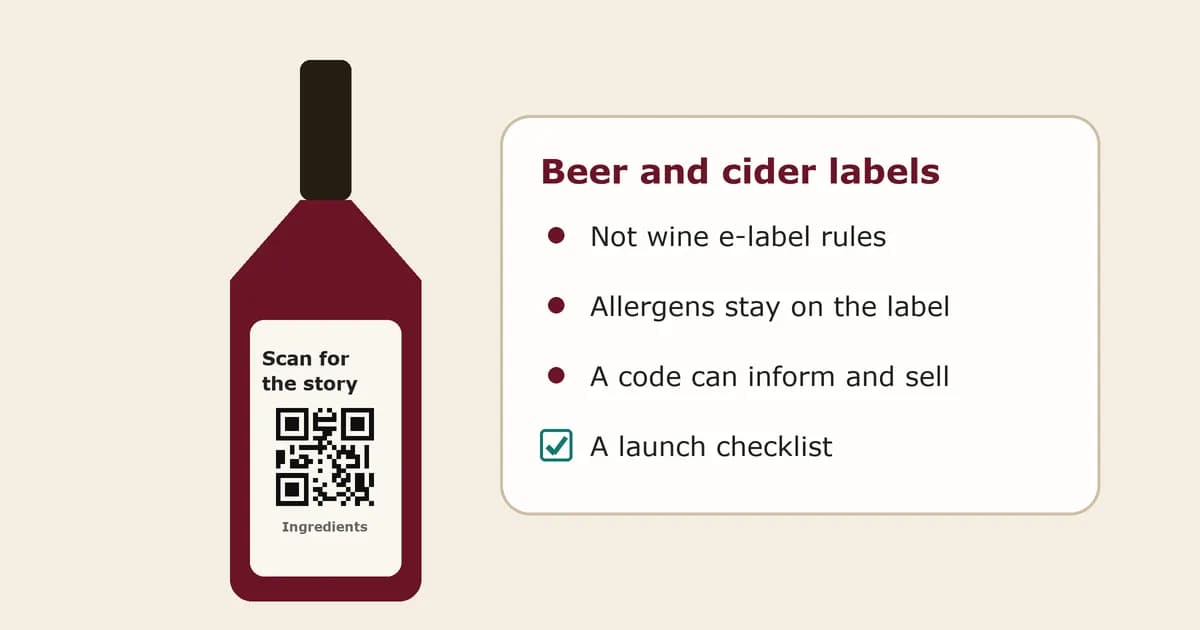
Breweries and cider makers have watched wine move its ingredients and nutrition information behind a QR code and wondered whether the same rules now apply to them. In the EU they mostly do not, at least not yet. Beer and cider still sit outside the wine e-label rules, but a QR code on the can or bottle can carry a lot of useful work: ingredients and energy information you choose to share, tasting notes, the brewery's story, and a quick way for a drinker to buy the next case. This guide covers what the rules require today and how to set up a code that keeps working after the cans are filled.
Plain-language guidance, not legal advice. Check the current EU and national rules, and your trade association's guidance, for your own products and markets.
Why beer and cider are not covered by the wine e-label rules
The EU's e-label rules for wine come from the wine market rules, which since 8 December 2023 require an ingredients list and a nutrition declaration on wine and aromatised wine products, with the option to put most of it behind a QR code. Beer is not a wine product, and neither is cider. Both fall under the general food information rules in Regulation (EU) No 1169/2011 instead.
Under that regulation, drinks with more than 1.2% alcohol by volume are exempt from the mandatory ingredients list and nutrition declaration. That exemption has been under review for years, and the European Commission has looked at ending it as part of its wider plans on food labelling, but as of today it still applies. So a lager, a stout or a dry cider sold in the EU does not legally need an ingredients list or a calorie figure on the label.
What a beer or cider label still has to show
The exemption covers ingredients and nutrition, not everything. A beer or cider label in the EU still has to carry the usual mandatory particulars, including:
- The name of the product.
- The actual alcoholic strength by volume, for drinks above 1.2%.
- The net quantity.
- The name and address of the business responsible for the product.
- Allergens. Barley and wheat contain gluten, and sulphites above 10 mg per litre, common in cider, must be declared. With no ingredients list, this is done with the word "contains" followed by the allergen.
- Any other national requirements, such as deposit and recycling marks, lot codes or pregnancy warnings in some countries.
Allergens are the important one. Because they are a mandatory particular, they belong on the physical label, not only behind a QR code. A scan is a good place to add detail, but it does not replace the printed statement.
The voluntary commitment many brewers already follow
Rather than wait for a legal change, the brewing sector made a voluntary commitment through The Brewers of Europe to give drinkers ingredients and energy information, and many brewers across Europe now print it or make it available online. Cider makers have taken similar steps through their own associations. If you sell into the EU, check what your national brewers' or cider makers' association recommends, because buyers and retailers increasingly expect the information even where the law does not demand it.
A QR code is a practical way to meet that expectation without crowding a small can. You can keep the printed label to the legal essentials and link to a page that lists the ingredients, the energy value per 100 ml and the allergen detail in full, in more than one language if you export.
UK, US and other markets
The UK kept the same broad approach after leaving the EU: drinks above 1.2% are exempt from ingredients and nutrition labelling, but allergens must be declared. In the US, the Alcohol and Tobacco Tax and Trade Bureau regulates labels for malt beverages, and in January 2025 it proposed rules on an alcohol facts statement and on allergen labelling for alcohol. Those were proposals, so check their current status before you plan US artwork. Rules are moving, which is one more reason to put changeable information on a page you can edit.
What a QR code on a beer or cider label can do
Once the legal essentials are printed, the code is yours to use. The most useful jobs for a QR code on a beer or cider label are:
- Ingredients and energy information, laid out clearly, for drinkers who want it and retailers who ask for it.
- Tasting notes, hops and malts, food pairings and serving temperature, which rarely fit on a can.
- The brewery or orchard story, the people behind it and where to visit the taproom.
- A reorder button that sends the drinker straight to your own shop to buy the next case, instead of leaving them to search for it.
- A link to your review page, so a good pint turns into a public review.
- Seasonal and limited releases, which you can update on the page without reprinting the cans.
Keep each page short and built for a phone. Most scans happen in a bar, a taproom or a kitchen, so the drinker wants the answer in a few seconds, not a full website.
Use a dynamic code and plan the print
Cans and bottle labels are printed in large runs and live for months in a warehouse or fridge. A static QR code, which encodes the final web address directly, cannot be changed after printing. A dynamic code points to a short address that you can redirect, so you can change the page, fix a mistake or swap a seasonal release without reprinting. Our comparison of static and dynamic QR codes covers the trade-offs.
On the artwork, give the code a quiet zone, enough contrast against the can colour and a size that scans comfortably on a curved surface. Shrink-sleeved and printed cans can distort a code near the seam, so keep it on a flat face and scan a press proof before the run. Our print specs guide gives sizes that work.
A launch checklist for beer and cider codes
- Print every mandatory particular on the can or bottle, including the alcoholic strength and the allergen statement.
- Decide what the code is for: ingredients and energy, story and tasting notes, reorders, or all of these.
- Use a dynamic code so you can change the page after the cans are filled.
- Put a clear call to action next to the code, such as "Scan for tasting notes and to reorder".
- Keep the page short, phone-first and in the languages of your main markets.
- Place the code on a flat area away from the seam and scan a press proof.
- Check the scan counts per code after launch, and update the page for each new release.
FAQs
Do beer labels in the EU need an ingredients list?
Not by law today. Drinks above 1.2% alcohol are exempt from the mandatory ingredients list and nutrition declaration under Regulation (EU) No 1169/2011. Many brewers provide the information voluntarily, on the label or online, and the exemption may change in future.
Do the wine e-label rules apply to cider?
No. Cider is not a wine product under EU law, so the wine e-label rules do not apply. Cider follows the general food information rules, like beer.
Can allergen information go only behind a QR code?
No. Allergens are a mandatory particular, so the allergen statement has to appear on the physical label. You can repeat it and add detail on the page behind the code.
Where does Tapline fit?
Tapline is not your compliance check or your label approval. It powers the code on the can or bottle: a story page for each beer or cider, a reorder button linked to your own shop, and scan counts per code, all editable after the packaging is printed. The page editor flags phrases that read like health claims or encourage excessive drinking, so you can review them before publishing. On the Scale plan the page can be shown in several languages for export markets. Shopify sync and email signups for new releases are coming soon. Tapline is built by Esipick, which has been building software for brands since 2013.
Related: QR pages for beer and cider.
Related: what happens after the scan on a wine label.
Related: QR codes on spirits labels.
Related: static vs dynamic QR codes.
Related: QR code size and print specs.
Related: add a reorder button to packaging.
Related: two QR codes on one label.