
Wine
Wine Tasting Room QR Codes: Notes, Pairings and Reorders
Where QR codes work in a wine tasting room, what to put behind them, how they sit beside the EU e-label code, and the mistakes that stop visitors scanning.
By Ali Murtaza ·
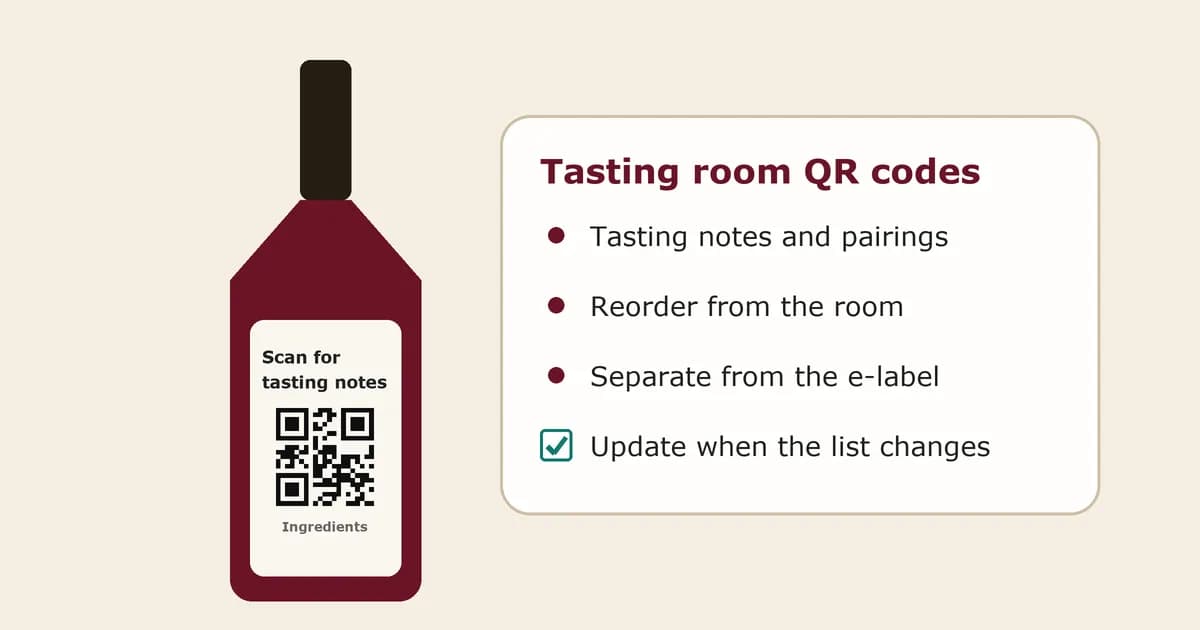
A tasting room is the one place where a buyer has your wine in their glass, you in front of them and their phone in their hand. Most wineries already use that moment well in person. What often goes missing is what happens after the visitor leaves: the notes they meant to keep, the bottle they wanted to order later, the name of the wine they liked best. A QR code on the tasting sheet, the table card or the bottle itself can carry that moment home. This guide covers where QR codes work in a tasting room, what to put behind them, how they sit alongside the EU e-label code, and the mistakes that make visitors stop scanning.
Practical guidance, not legal advice. Alcohol marketing rules differ by country, so check what applies in yours.
Why use QR codes in a tasting room at all?
Because the visit is short and the buying decision often comes later. A visitor may taste five wines, like two, buy one and forget the name of the other by the time they get home. A code they scan during the tasting keeps a direct link to the wines they tried. It also lets you keep printed materials short: the flight sheet can carry the essentials, and the code can carry the longer story, the pairings and the way to buy again.
For the winery, the code is also a quiet signal. Scan counts per code tell you which wines people wanted to know more about, which can be a useful hint for what to pour first or what to restock.
Where do QR codes work best in a tasting room?
- On the tasting sheet or flight card, with one code per wine next to its name, so visitors can scan the wine they are drinking.
- On table tents or bar cards, with a single code for the current flight or the full list.
- On the bottles you pour from, using the marketing code that is already on the back label.
- At the checkout or shipping desk, for visitors who want a case sent home or want to order later.
- On the receipt, the bag insert or the gift box, so the link leaves the building with the bottle.
One code per wine is usually more useful than one code for everything. It takes the visitor straight to the wine in front of them, and it gives you a scan count for each wine rather than one total for the room.
What should a tasting room QR code open?
A page that is quick to read on a phone, standing at a bar, with a glass in the other hand. For each wine, that usually means:
- The wine's name, vintage and a photo of the bottle, so the visitor knows they scanned the right one.
- Short tasting notes in plain words, plus a line or two on the vineyard or how the wine was made.
- Food pairings or serving temperature, which visitors often ask staff about.
- A clear button to buy the wine again, pointing to your web shop, a case order or a list of stockists.
- Optional extras, such as wine club details, events, or a link to leave a review.
Keep the first screen short. The visitor should see the wine and the reorder button without scrolling. The longer story can sit further down for anyone who wants it, often later that evening at home.
How does this fit with the EU e-label code?
For wine sold in the EU, the bottle may already carry an e-label code that links to the full ingredients list and nutrition declaration. The EU rules say that e-label must not be shown alongside sales or marketing content and must not collect or track user data. So the tasting room page, with its tasting notes and buy button, is a different page and should sit behind a different code.
That is the same split many wineries use on the back label: one neutral code for the legal information and one code for the brand. In the tasting room, the second code does the work. Label both clearly on the bottle and on any printed sheet, for example "Ingredients and nutrition" next to the e-label code and "Tasting notes and reorder" next to the marketing code, so nobody scans the wrong one. Our guide to two QR codes on one wine label covers the layout in more detail.
Should the code on the flight sheet be the same as the one on the bottle?
It can be, and there are good reasons to do it. If the flight sheet and the bottle's marketing code open the same page for that wine, visitors who scan at the bar and visitors who scan at home see the same thing, and you only have one page per wine to keep up to date. If you want to know how many scans come from the tasting room rather than from bottles in the wild, use a separate code on the flight sheet that opens the same page. Separate codes give separate scan counts.
What should change when the wine list changes?
Tasting room lists change with the season, the vintage and what is in stock. Printing a new set of codes every time is slow and easy to get wrong. A dynamic code, where the printed code holds a short link and the destination can be changed afterwards, lets you keep the same table tent or bar card and point it at the new flight. On the bottle, a dynamic marketing code lets you update the page when a vintage sells out, for example by pointing the reorder button at the next vintage.
Whatever you use, test every code with a phone before the room opens, especially after the list changes. A code that opens last month's flight is worse than no code.
Common mistakes to avoid
- Pointing every code at the winery homepage. Visitors have to hunt for the wine they just tasted, and most will not.
- Putting the page behind a pop-up, a long form or a slow age check, so it takes too long to open at the bar.
- Using codes too small or too close together on a crowded flight sheet. Give each code room and print it in a solid dark ink.
- Forgetting the buy button. A page full of story with no way to order wastes the best moment to ask.
- Mixing the legal e-label and the marketing page into one code.
- Leaving old codes on display after the wine sells out, with no update to the page.
Where does Tapline fit?
Tapline is not your compliance check or your point-of-sale system. It powers the marketing code: a story page for each wine with your tasting notes and pairings, a reorder button that sends visitors to your shop or stockist list, and scan counts per code, all editable after the labels and table cards are printed. You can use the same page behind the bottle's back-label code and the tasting sheet, or give each its own code. On the Scale plan the page can be shown in several languages for visitors from abroad. The marketing page is never the legal e-label. Tapline can also host a separate, neutral e-label page for wine that you fill in yourself, and you are responsible for its accuracy. Tapline is built by Esipick, which has been building software for brands since 2013.
Frequently asked questions
Do I need a separate QR code for every wine in the tasting room?
Not necessarily, but it helps. One code per wine takes visitors straight to the wine they are tasting and gives you a scan count for each wine. A single code for the whole list is simpler to print but tells you less.
Can the tasting room QR code be the same as the EU e-label code?
No. The EU e-label must stay free of sales and marketing content and must not track users, while a tasting room page carries notes, offers and a buy button. Use the e-label code for the legal information and a second code for the tasting page.
What is the most useful thing to put behind the code?
Short tasting notes and a clear way to buy the wine again. Visitors often decide to order after they have left, so a reorder button that is visible straight away does more than a long story.
How do I know if visitors are scanning?
Use a QR tool that counts scans per code. If the flight sheet and the bottle use different codes, you can see how many scans come from the tasting room and how many from bottles at home.
Will the codes still work after the next vintage?
Printed codes keep working as long as the link inside them stays live. With a dynamic code you can point the same printed code at the new vintage's page instead of reprinting.
Related: what happens after the scan.
Related: two QR codes on one label.
Related: wine bottle QR codes that turn into reorders.
Related: wine QR code scan analytics.
Related: static vs dynamic QR codes on wine labels.
Related: wine label QR code size and print specs.
Related: EU e-label rules for wine.
Related: pricing.